 Tubun Agent
Let your knowledge
get to work.
A place for your skills, visual references and connected workflows. From a personal task to an industrial process.
Knowledge, tools and decisions.
Together in your workflow.
Your expertise stays in reusable knowledge. Your agent brings it into the work, one task at a time.
Skills that arrive with the task.
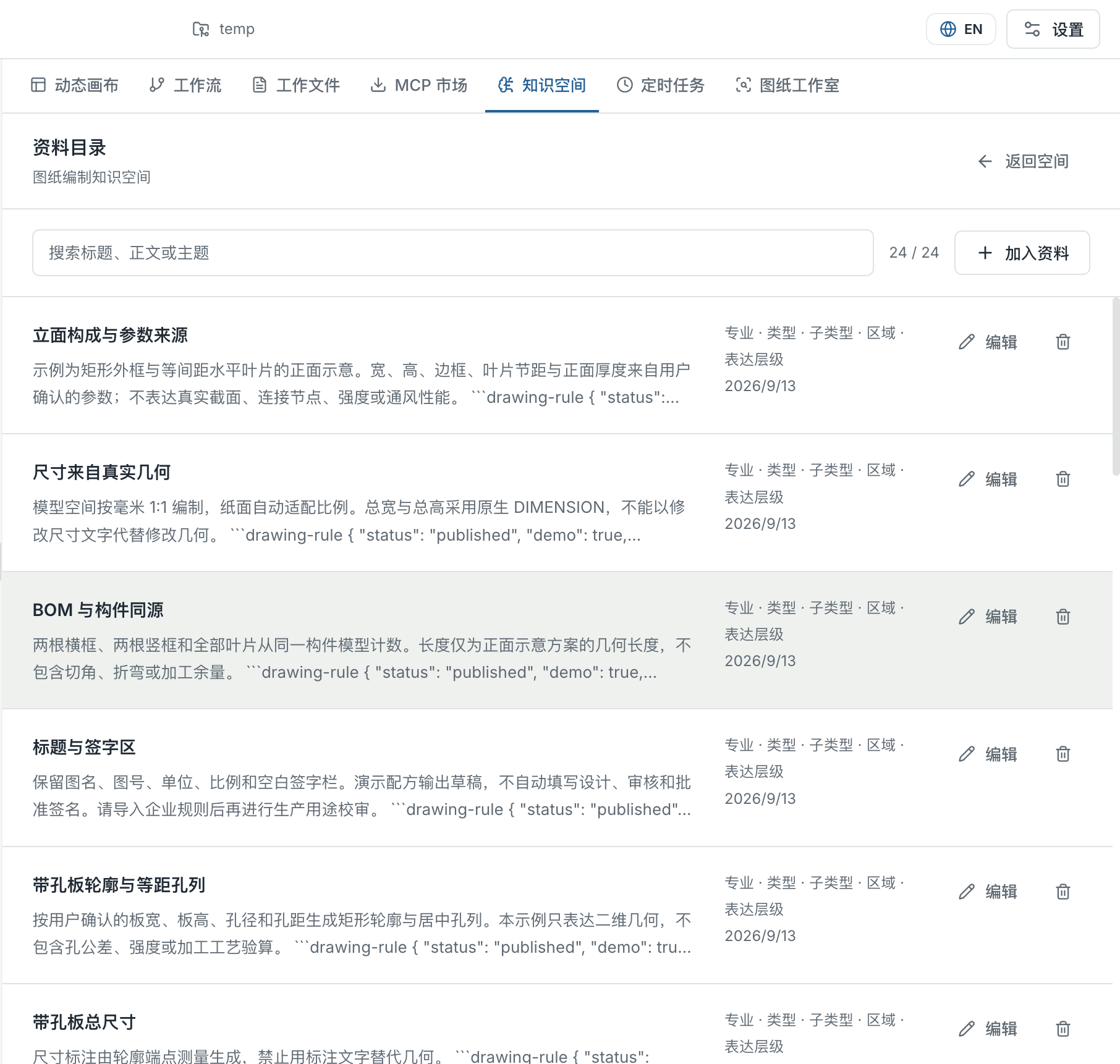
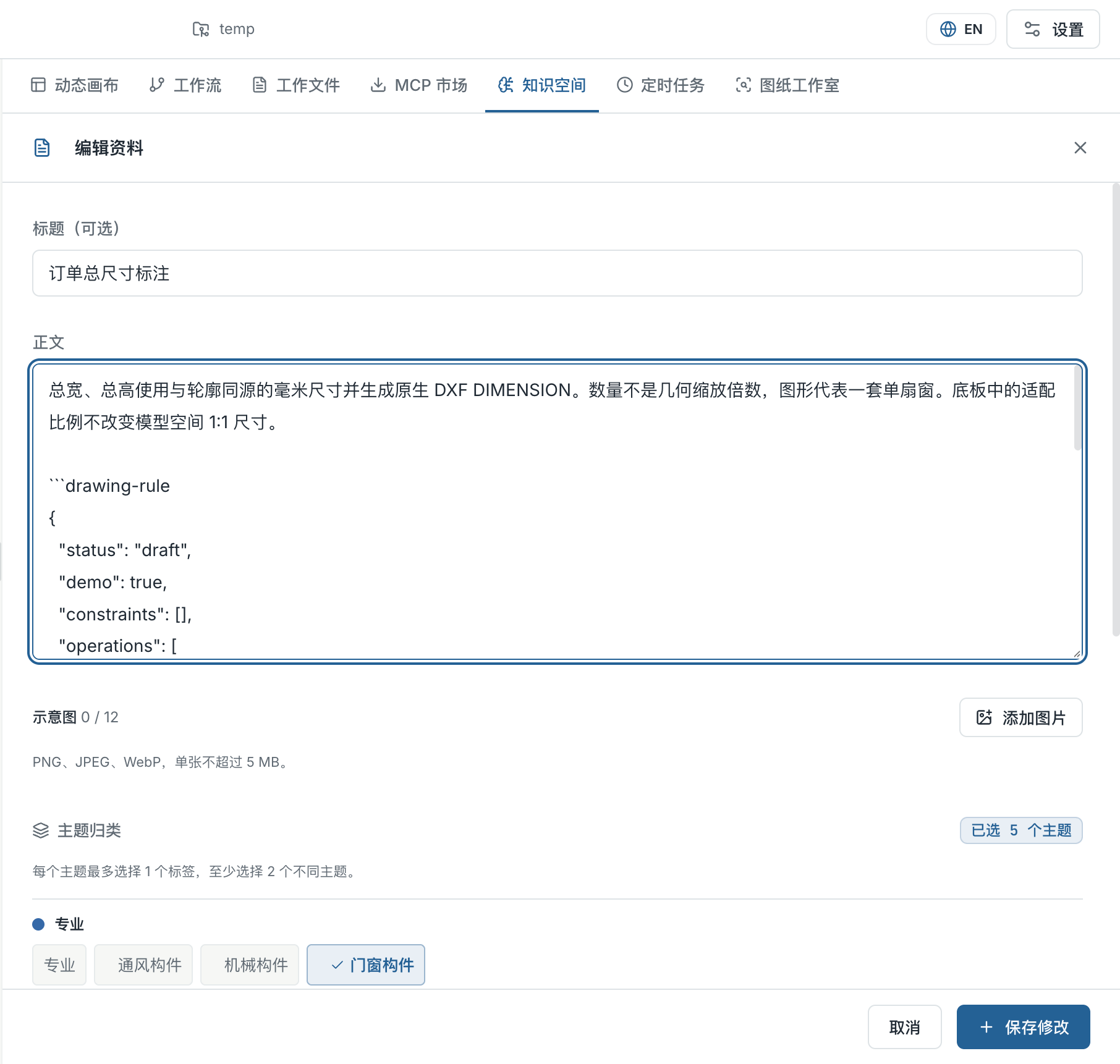
Keep skills, procedures and visual references in connected knowledge spaces. The agent reads the map first, then loads relevant text and images as the task develops. Register and update knowledge without packing every skill into one permanent prompt.
Explore knowledge spaces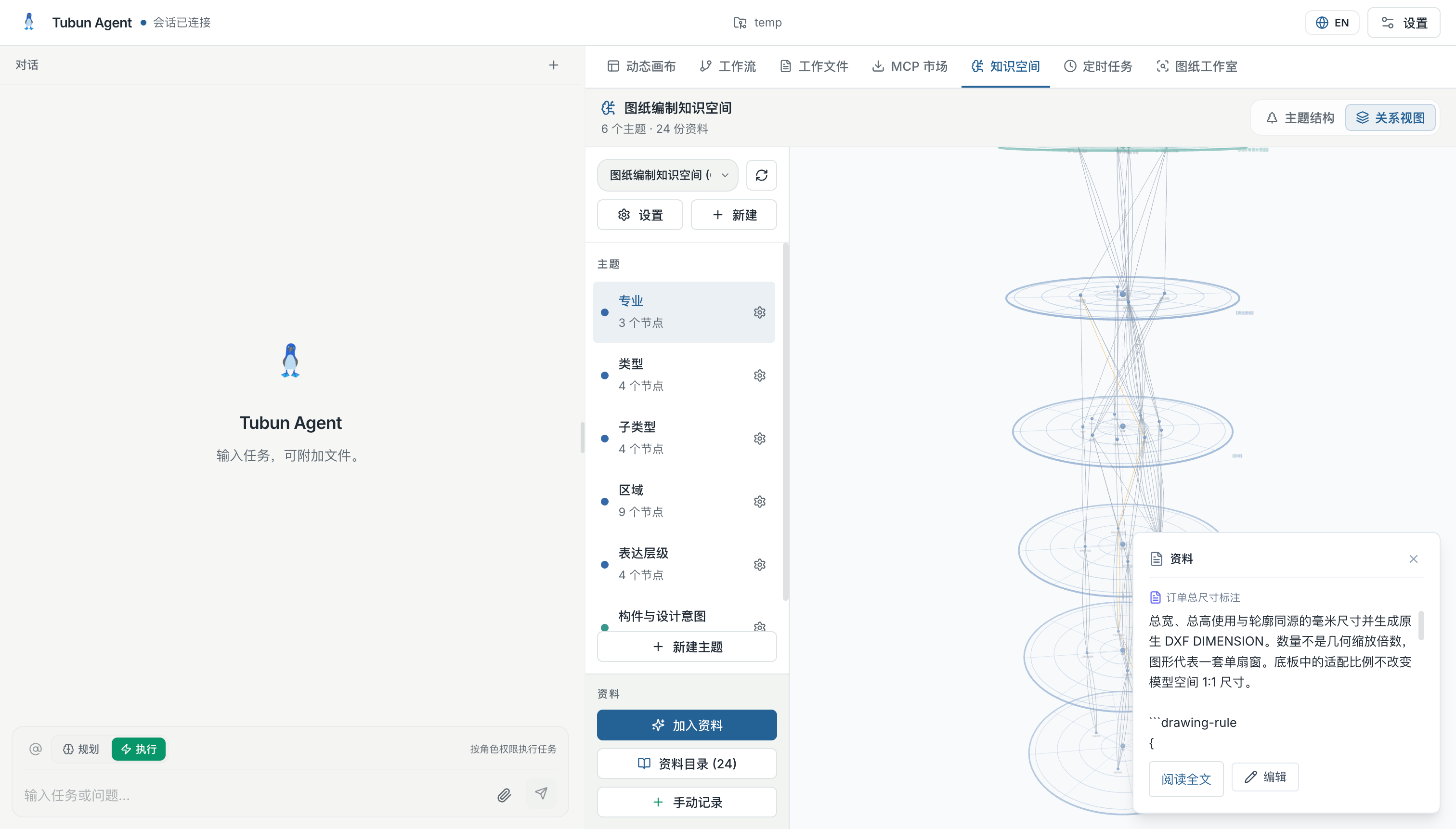
Software and hardware. One flow.
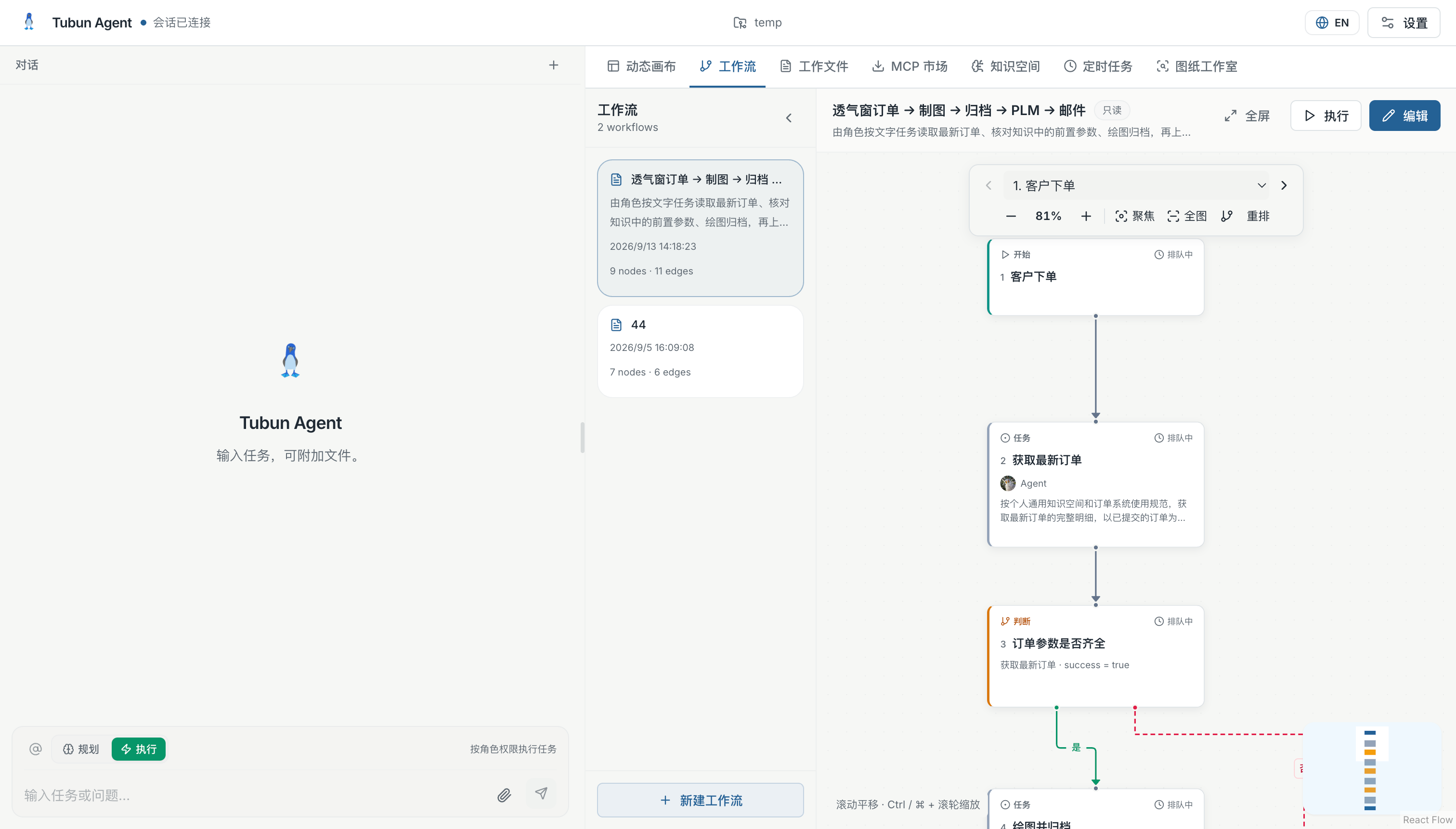
Connect business systems and equipment gateways through HTTP, MQTT and RabbitMQ. Map incoming events to tasks, share structured results between steps and return the outcome through a configured connection.
Device access is configured and tested for each environment.
Explore connected workflowsThe right decision, at each step.
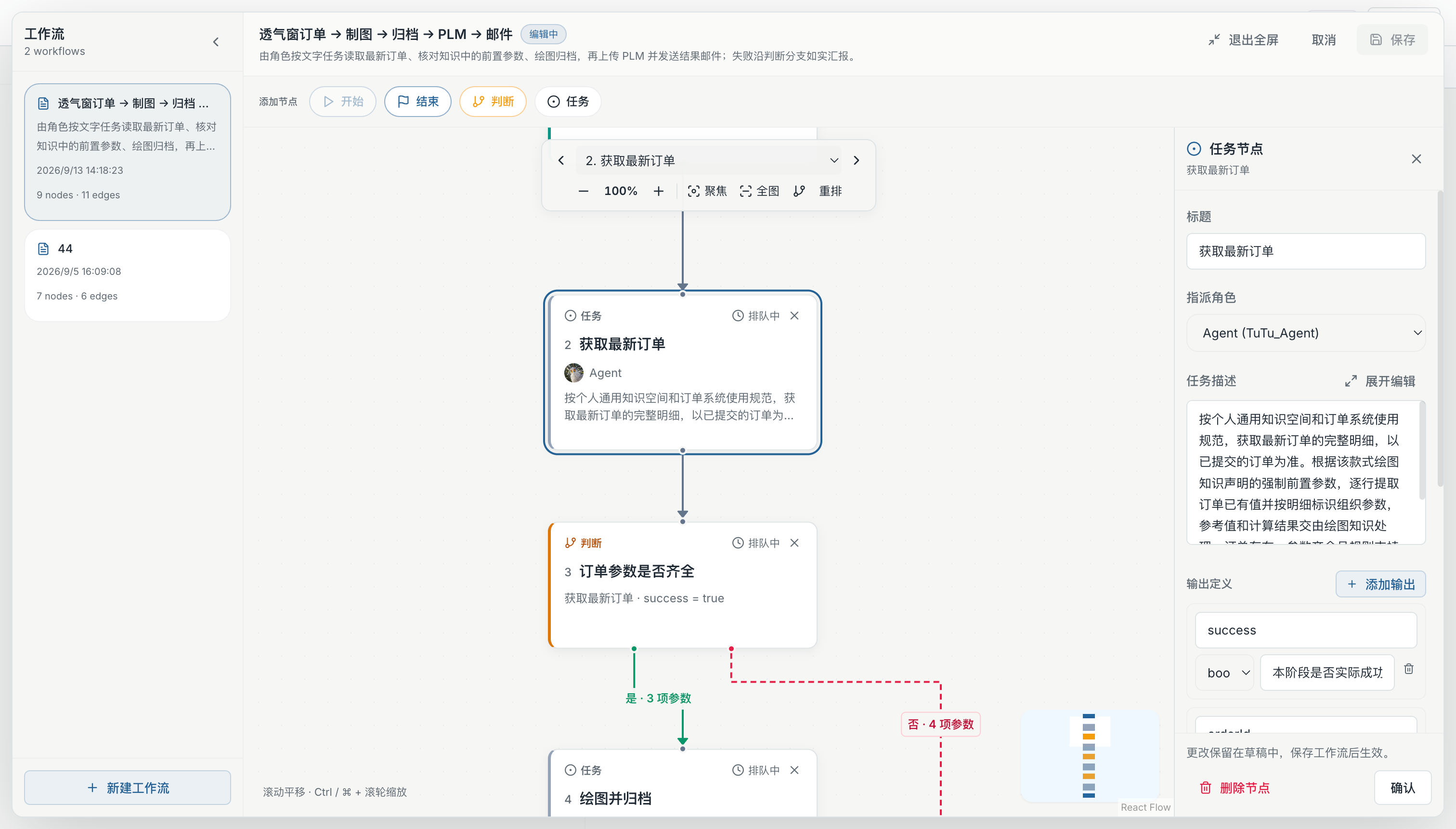
Use Laya fast decisions for intent classification, condition checks for exact rules, and language models for reasoning. Bring these modes together with agent tasks in a visible workflow, including the route for missing information.
Inspect an actual run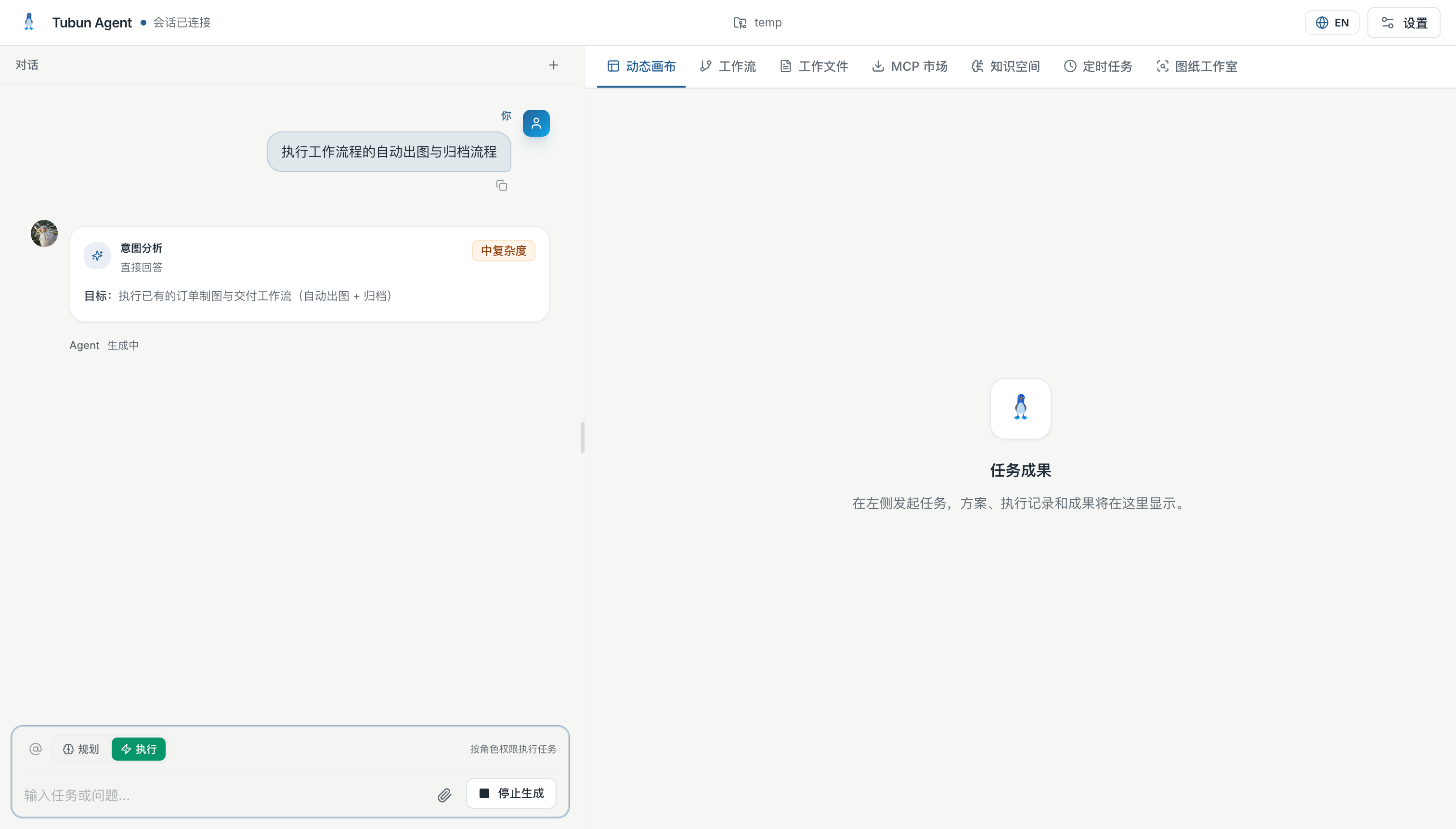
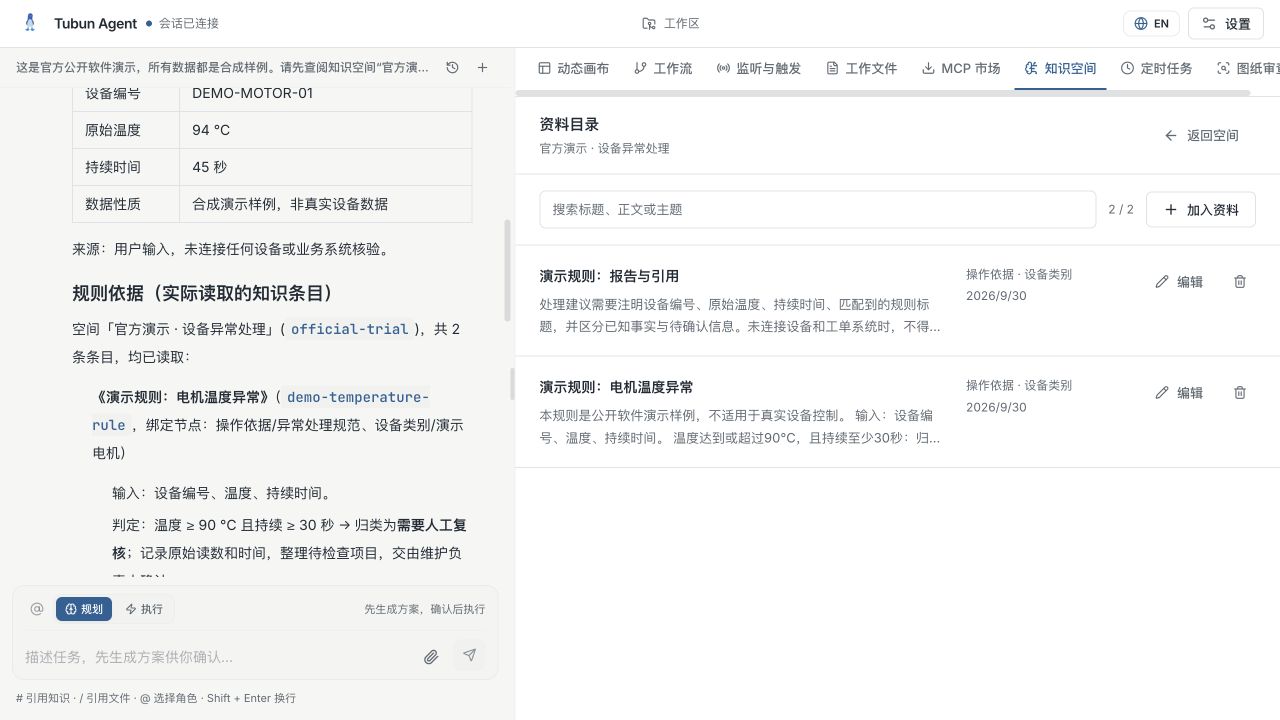
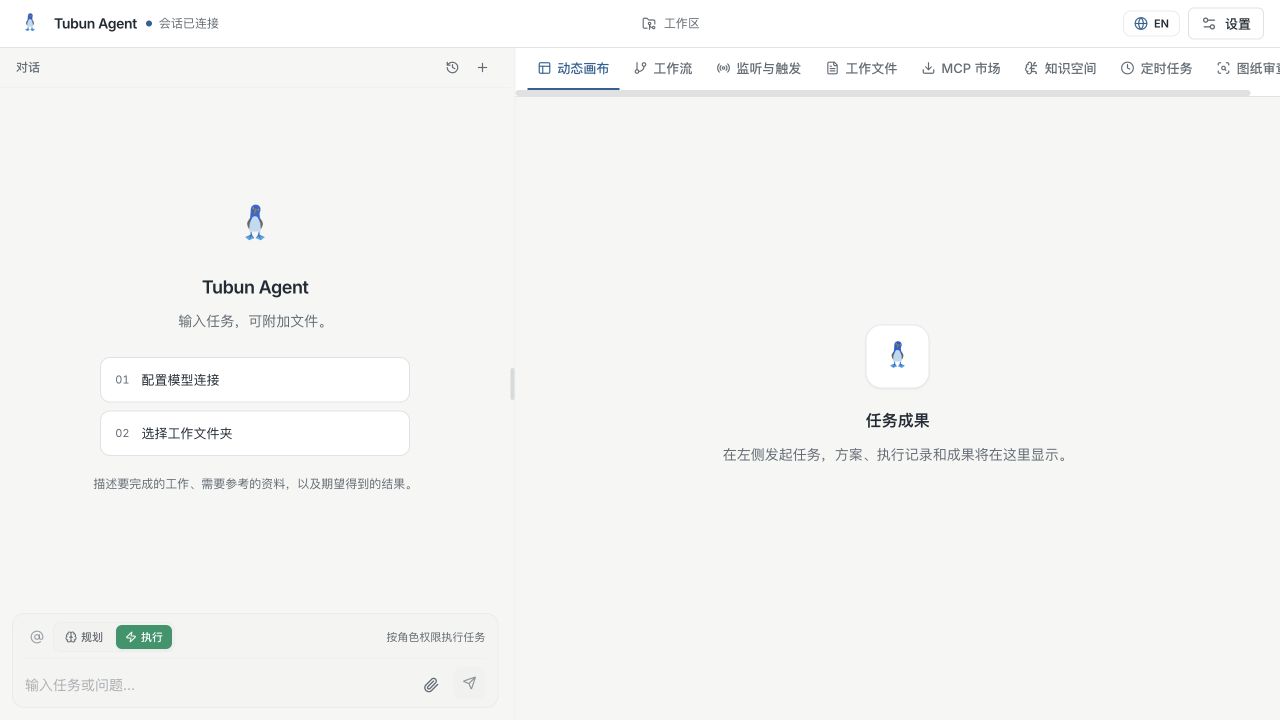
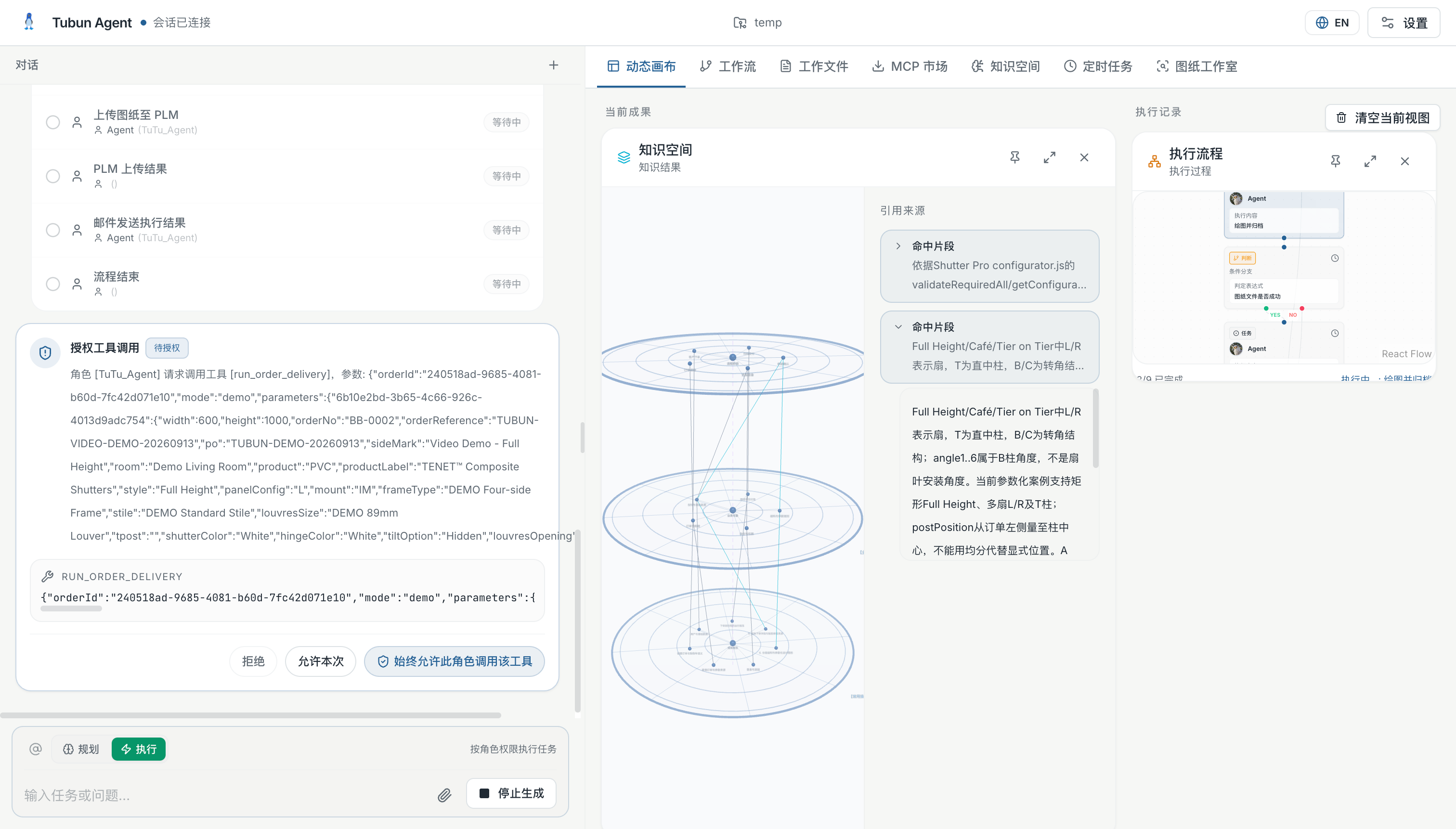
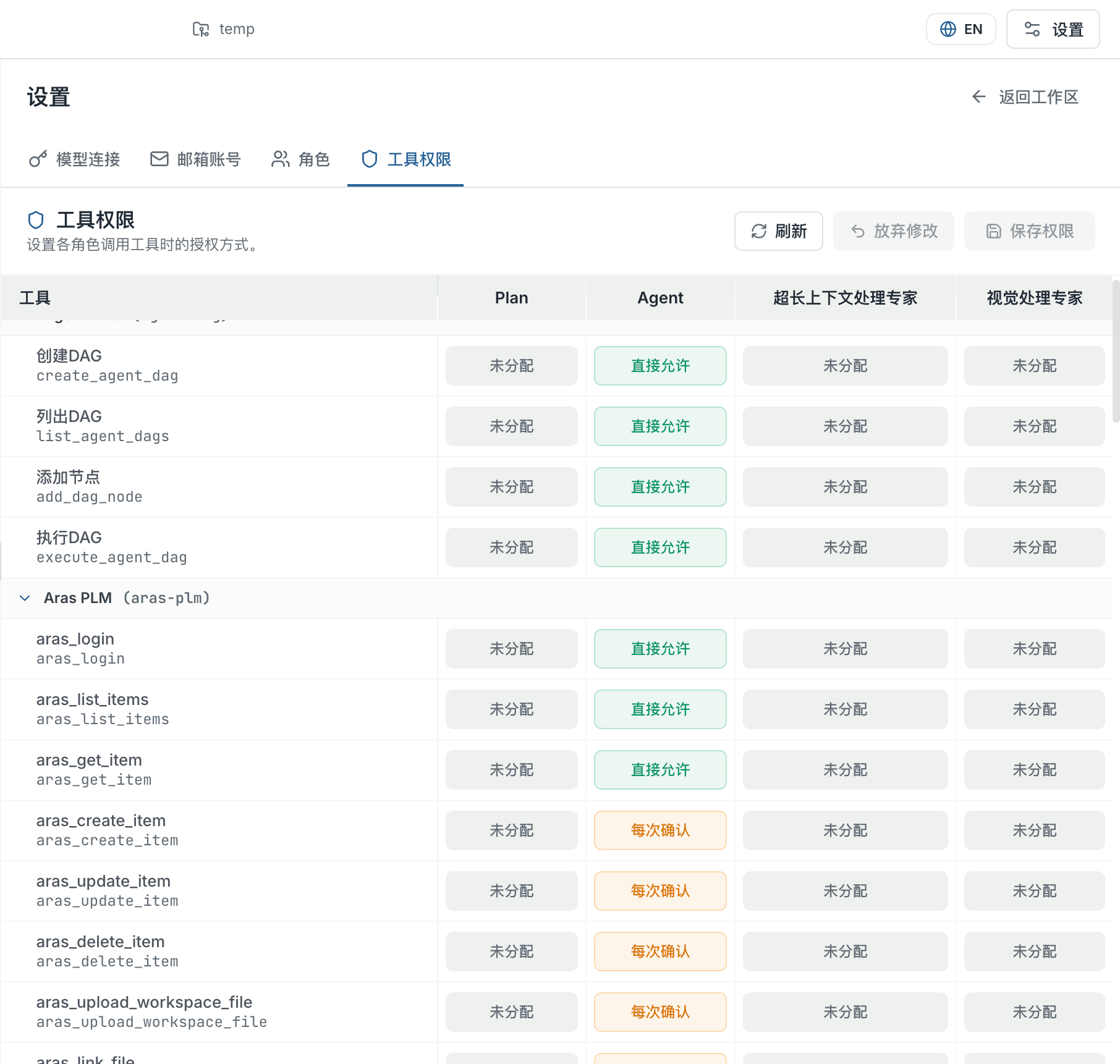
See the source. Follow the work.
Keep the conversation beside your knowledge, files and execution results. Use # to reference knowledge, / to select a file, and @ to choose a role. Define which tools each role can use and which actions need confirmation.
Explore the interfaceTurn your standards into a review.
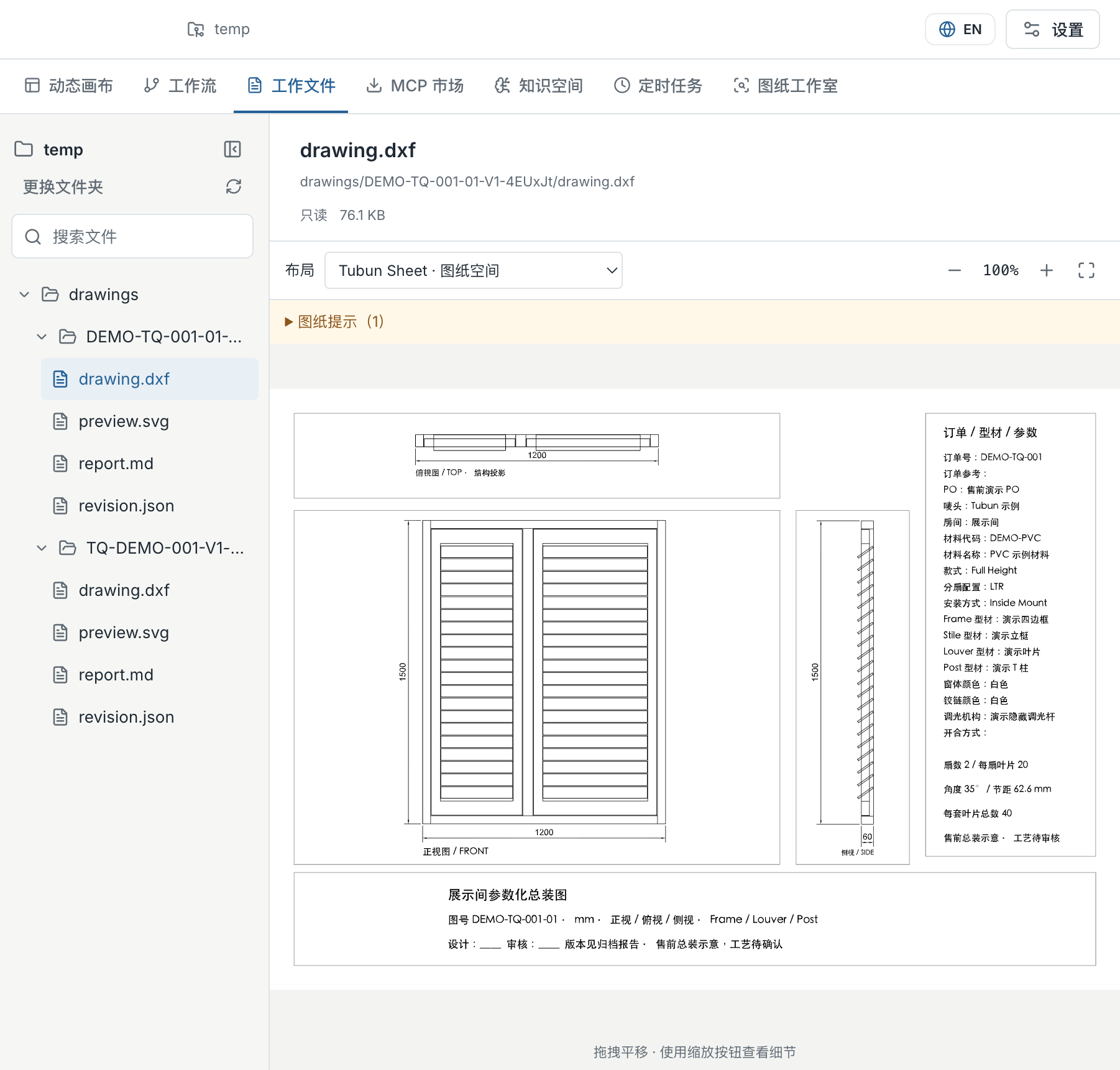
Start with an existing drawing and an approved knowledge space. Compare it with your rules and reference images, inspect the findings, and keep the report with the source files for human review.
Explore drawing review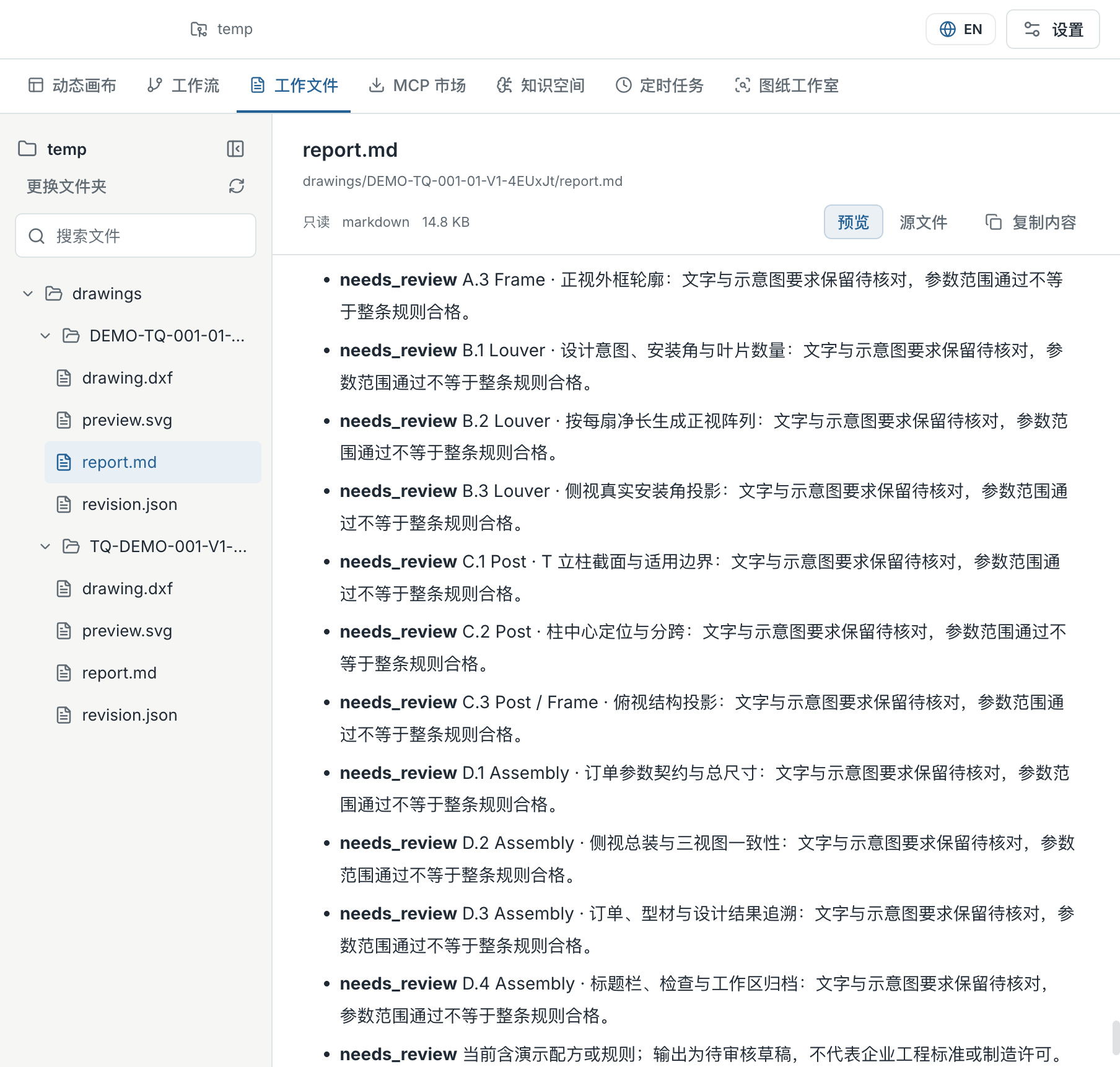
An equipment alert, reviewed with evidence.
Inspect two actual runs using synthetic equipment data: a complete alert and one missing a required input. See the rules, answers and original records.
Bring your team.
Connect the work.
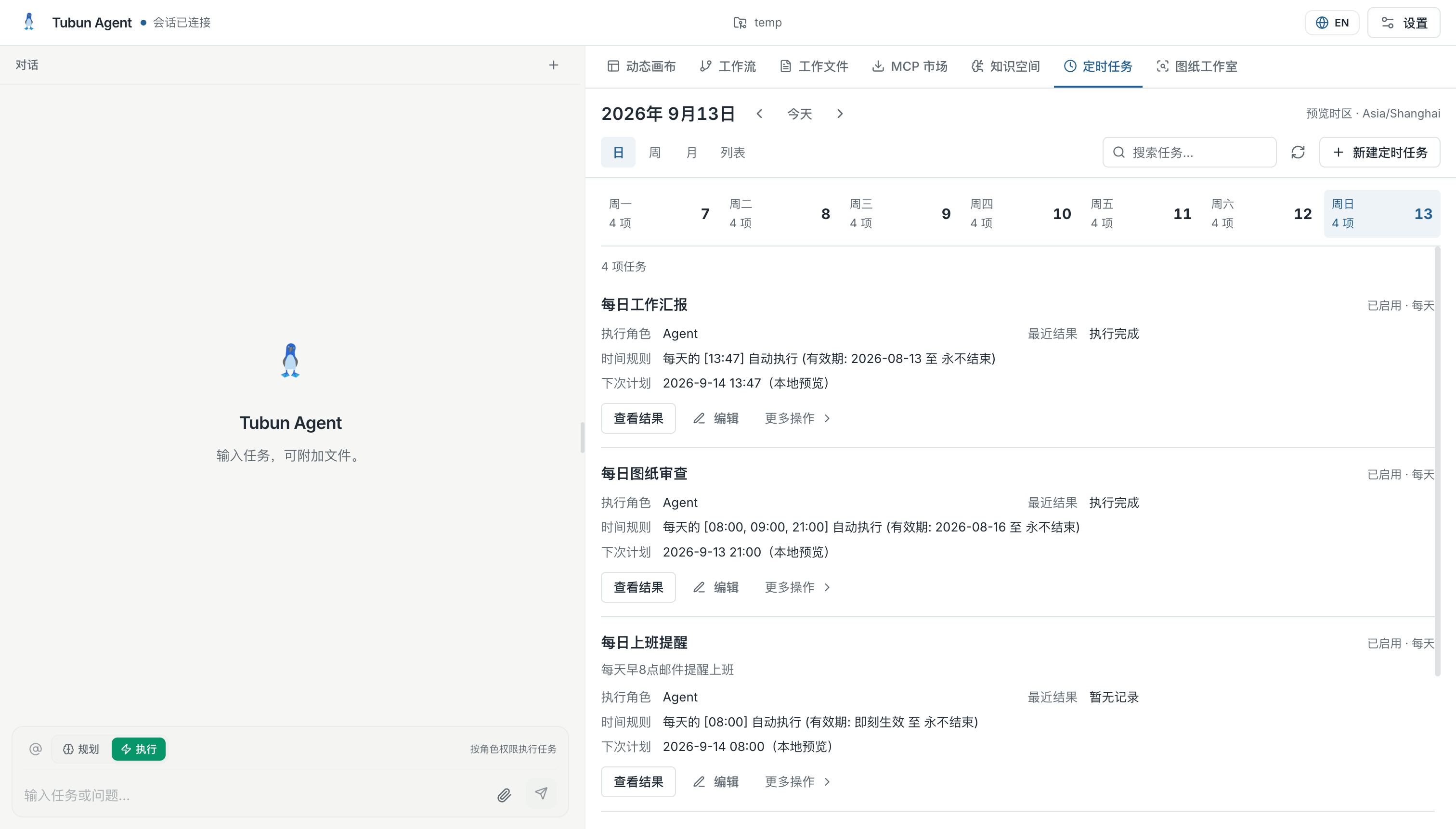
An order arrives. A workflow begins. The result goes back to the right system. Build on Tubun’s event connections, then shape the experience around the people doing the work.
Explore Team WorkflowFor Individuals
Local files and knowledge, with your own model key
For Organizations
Connect events, workflows and your team’s everyday tools
Download Tubun Agent
Start locally. Bring your knowledge. Build your first useful workflow.